Simpler front page and workflow
The planning front page now explains initiatives, projects and tasks with a small diagram and offers quick links for common jobs; the workflow is shorter, and background history has moved to its own page.
The planning front page now explains initiatives, projects and tasks with a small diagram and offers quick links for common jobs; the workflow is shorter, and background history has moved to its own page.
The portfolio view now has labelled columns: Source, the person responsible for each area (in the Work with Source sense, not everyone involved), and Tasks, which names each area's own tracker (Asana, GitHub or Beads) and links to it. A short briefing for newcomers explains the same picture.
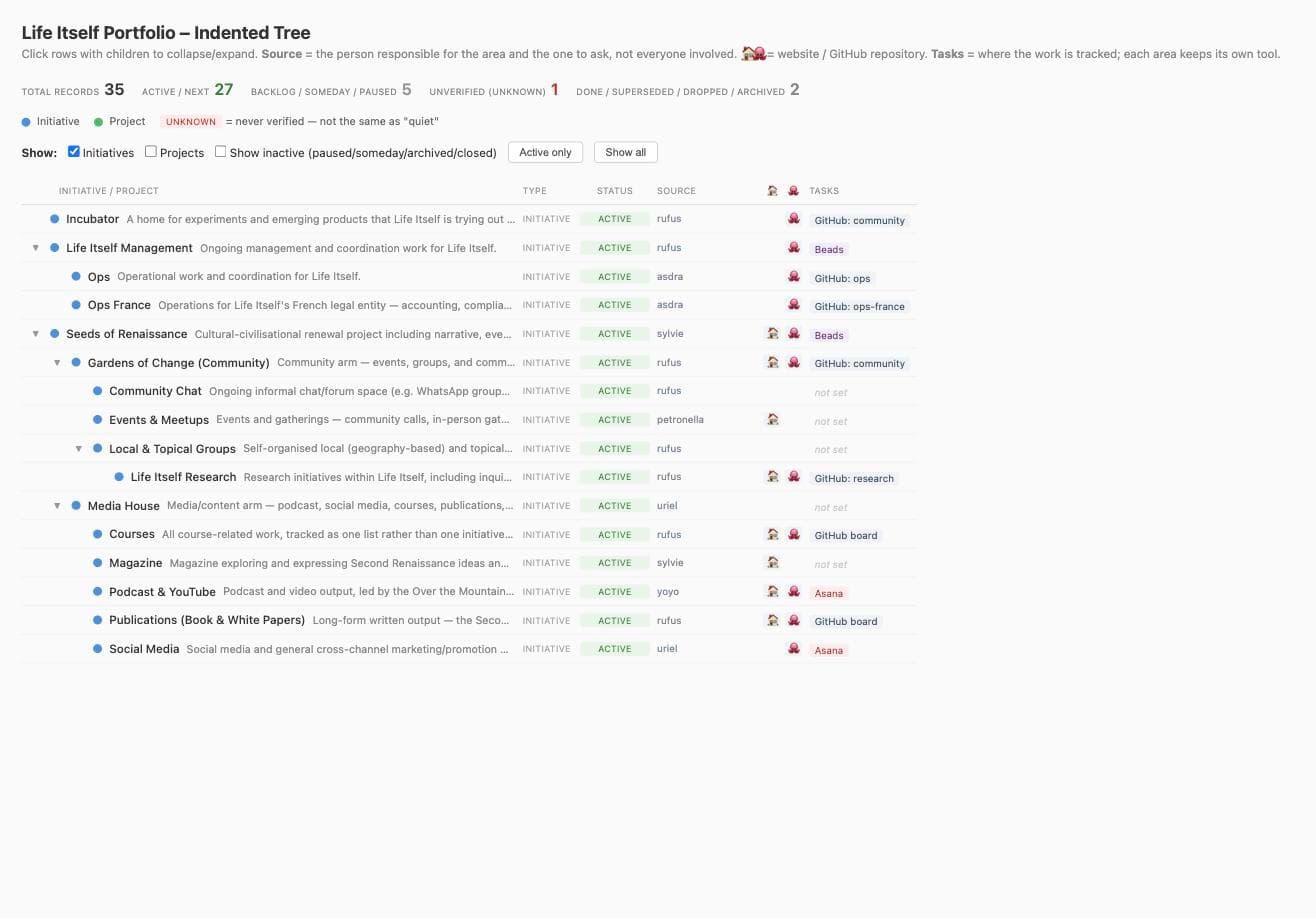
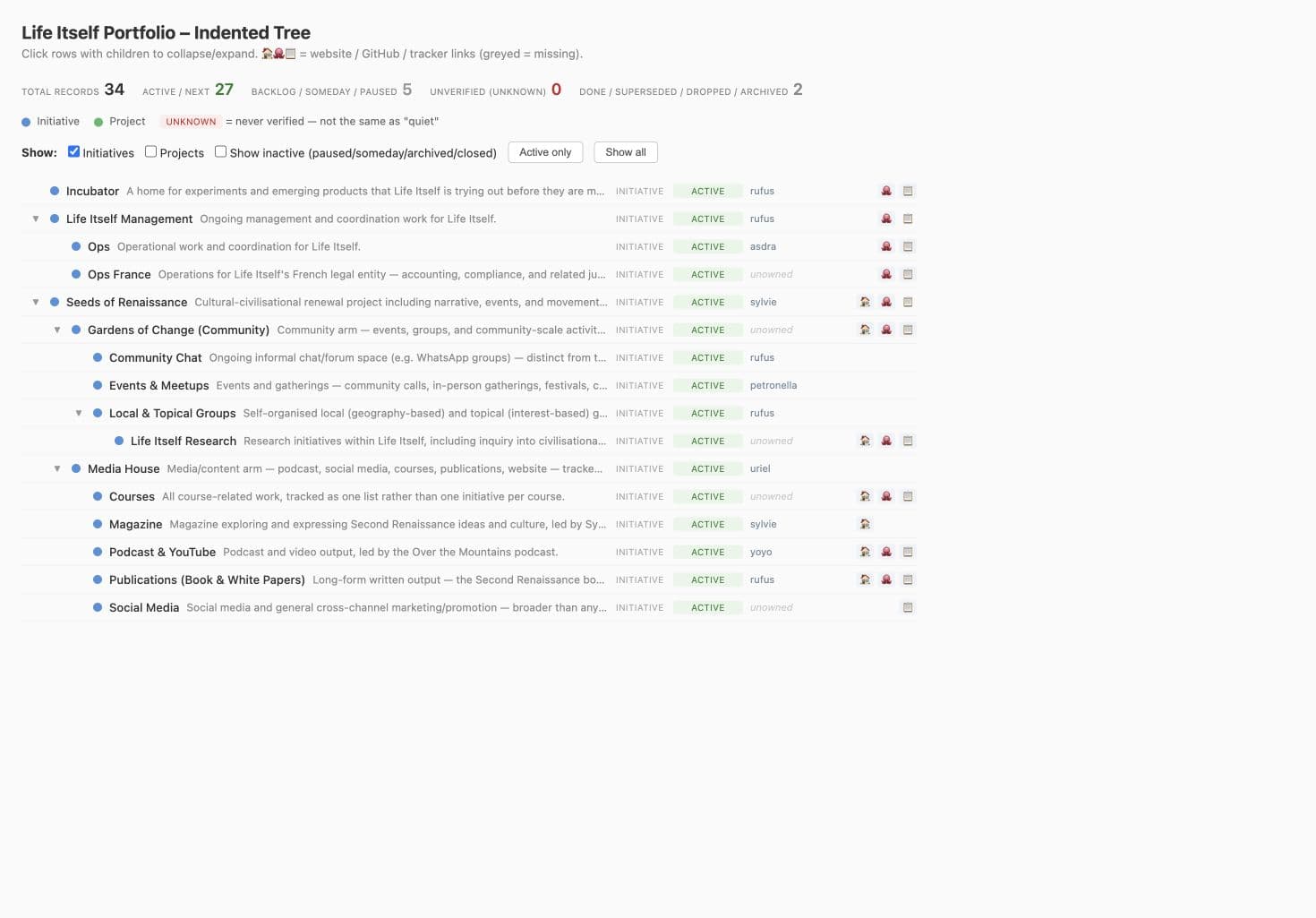
Life Itself's initiatives and project records now have a shared home in Planning. The migration brings together material from Tao, the older portfolio spreadsheet and current plans, preserving useful history while making current work easier to find and maintain.
The interactive portfolio lets the team explore how work fits together, see owners and status, and follow links to working materials and task trackers.
The same records support both the visual overview and AI-assisted updates. Project-creation practice continues to evolve; this is a usable shared foundation, not a requirement to move every team's work into one tool.
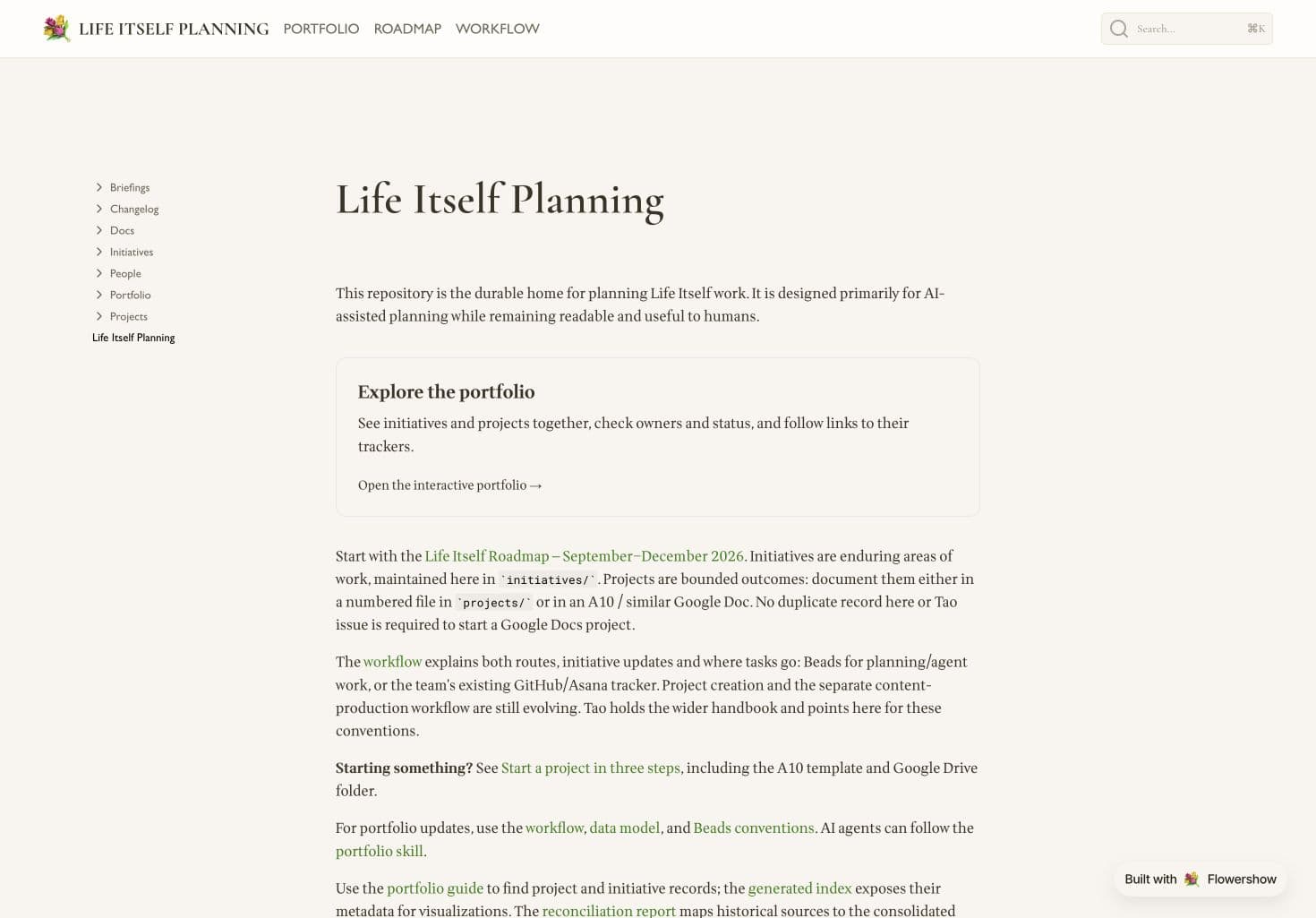
Life Itself Planning is now online: a shared place to browse the roadmap, explore the portfolio and find practical planning guidance without navigating the repository.
Published from the same GitHub repository that holds the planning records, the site gives the team a readable view without creating another copy to maintain. Its visual style follows Tao, keeping the two sites recognisably part of the same home.
The planning repo now has a briefing and a situation–complication–question template so teammates can practise planning, along with a structured set of Beads for ops, the planning system and each major project.
Life Itself planning now has a shared repository for durable context and a Beads tracker for actionable work, with the Seeds of Renaissance rebrand programme ready to coordinate as linked tasks. Starting guidance helps humans and AI agents navigate and update the work consistently.
 Flowershow